Consents withdrawal page for your end users now needs to be embedded as a form on your site
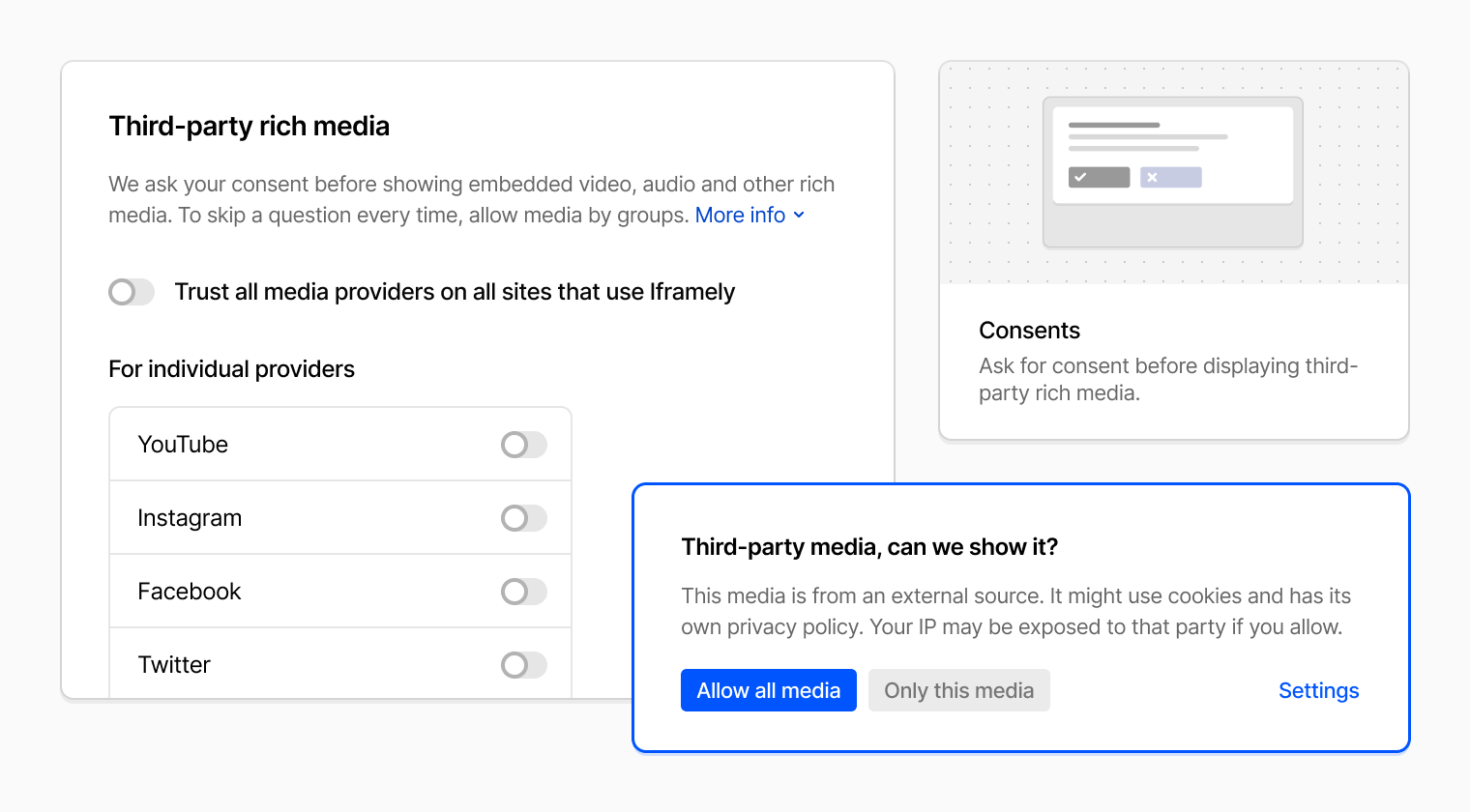
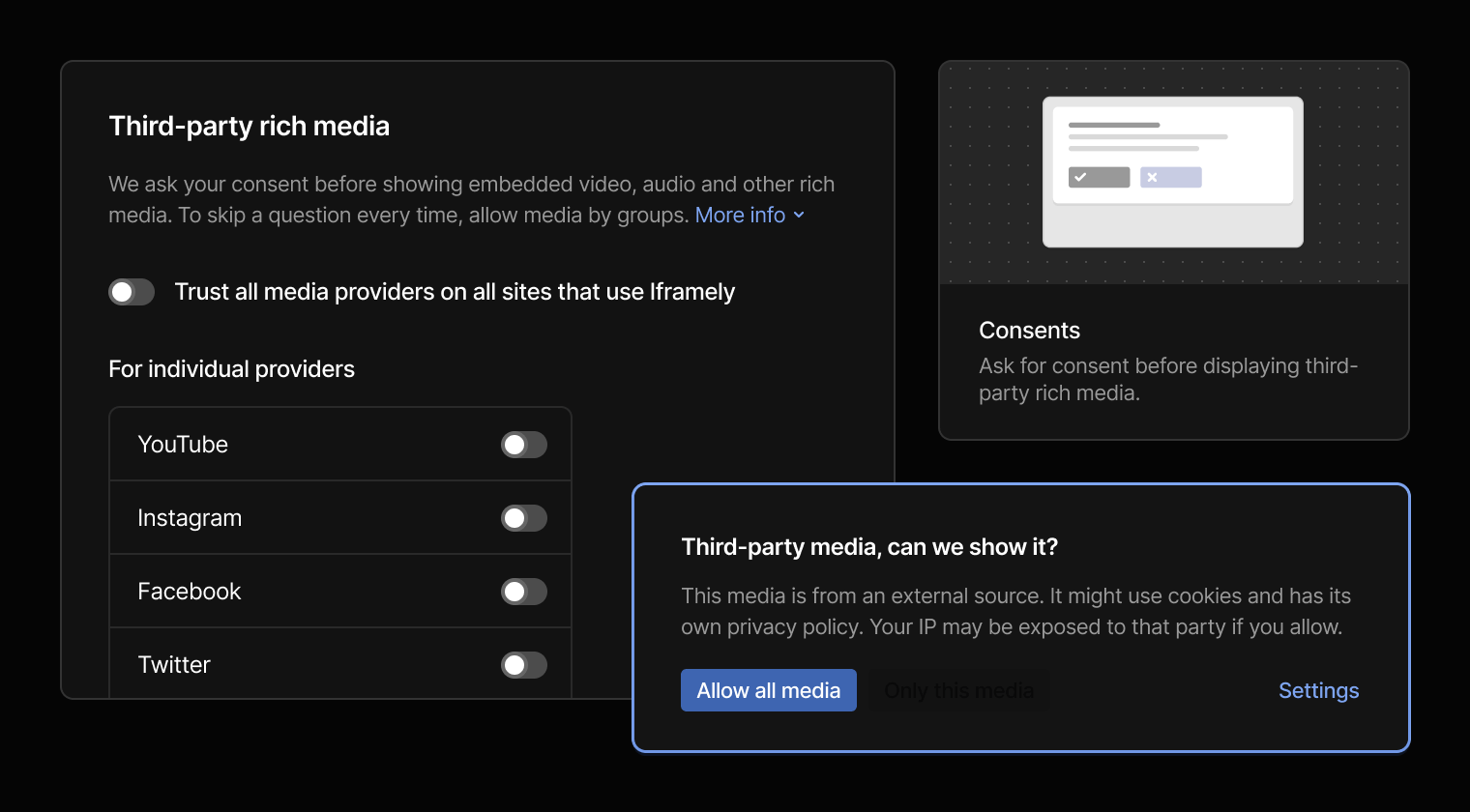
Iframely allows you to request privacy consents from end users before displaying third-party rich media to them. Consents are kept in the user's browser, in local storage of Iframely or your own CDN domain. To withdraw the media consents, users need to remove records from that domain storage.
For this purpose, Iframely hosts a dedicated settings page where users can manage their preferences. However, the latest changes in Chrome browser require that settings page to be embedded as a form on your own domain instead.
Starting with Chrome 115, local storage for iframes is partitioned per hosting domain. The storage of iframes embedded on Site A is separate from the storage on Site B, and both of them are different from the storage on the Iframely CDN page directly, without an iframe context.
If you previously exposed the consents settings to your end users, here's what you need to change to keep it working:
1. Add a dedicated page in your app to host the settings form. You can link to that page in your own documentation and can also add it as a link to media widgets.
2. Embed the Iframely settings page as a form on your page.
This change ensures that the consent management form is available on the same domain as your embeds, giving users proper access to their consent management options.
For complete setup instructions, embed code examples, and parameter reference, please refer to our User Consents Documentation.